Safeteams - quicker, smarter, and totally trackable

It’s designed around the way you do business – from toolbox meetings to inductions, safety alerts, reporting and beyond.

Safeteams helps you systemise safety processes and lets workers spend more time on the job with full knowledge of their safety responsibilities.

Start a free trial
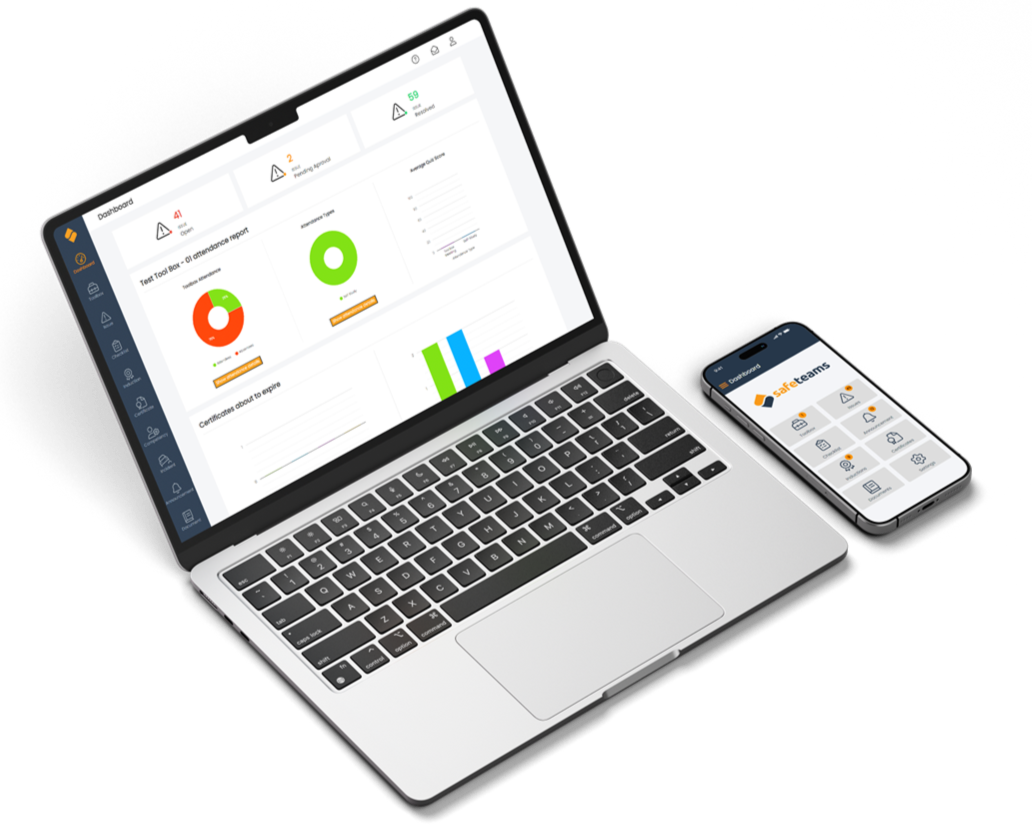
A person holding a smartphone showing the SafeTeams app with various icons on the screen. In the background, a computer screen displays a safety dashboard with charts and a video thumbnail titled 'Blind Spots Construction Trucks Toolbox Talk.'

Smart features to keep your team safe
  • A computer screen with various gears, a wrench, a pie chart, and a puzzle piece, representing settings or technical work.

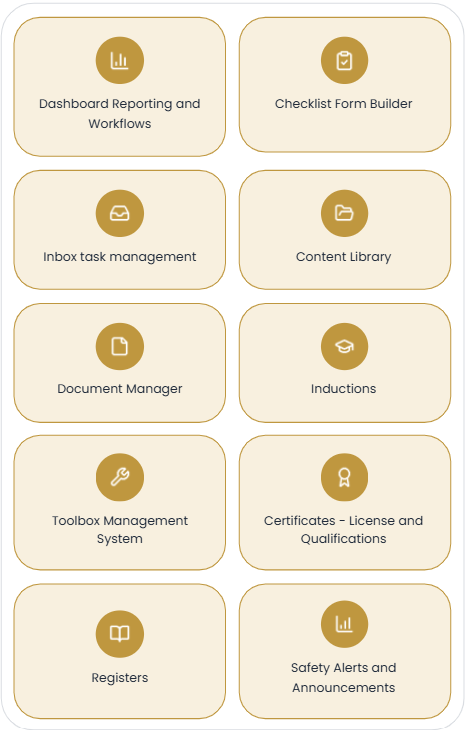
    Dashboard Reporting

    Instantly understand your risk status and take steps to improve it.

  • Icon of a wrench and a gear inside a padlock on an orange background

    Toolbox helper

    Turn boring toolbox talks into engaging multimedia masterpieces.

  • Icon of a checklist or report with checkmarks and a map on an orange background.

    Checklist form builder

    Create and publish forms and checklists for your workforce in minutes.

  • Icon of a gear inside a circle on an orange background

    Issues management

    Spot issues quickly and get them on the fast track to resolution.

  • Icon representing a video interview or virtual meeting with a person on a computer screen.

    Inductions & certificates

    Easily build and present induction content and track everyone’s certificates.

  • Smartphone with a map and location pin on the screen, held by a hand, on an orange background.

    Announcements

    Issue messages or videos and know in real-time who has read and seen them.

  • Icon of a book with a magnifying glass over it, on an orange background.

    Documents

    Upload PDFs for viewing by your entire workforce quickly and easily.

  • Lock symbol inside an open cardboard box, against an orange background.

    Asset register

    Create unlimited asset registers that mirror your requirements exactly.

Two construction workers in safety gear looking at a tablet outdoors, with a digital interface of a safety management software screen overlaid, showing issue tracking and resolution status.

Easy onboarding

  • No onboarding fees

  • Everything stored securely on the cloud

  • No maintenance required

  • View in a browser or our app

Book a demo

Screenshot of a video titled 'Sleep First, Drive Second' showing a dark interior of a vehicle with the headline 'Sleep First, Drive Second.' and a table of contents listing four sections with times. The screen has YouTube controls and a Play button, with a logo in the top left corner and a sidebar menu on the left.
An example of a toolbox video talk. A cartoon illustration of two vehicle inspectors in orange uniforms standing in front of a vehicle toolbox, with one holding a clipboard, in a training video interface on a computer screen.
Screenshot of a mobile app menu titled 'Checklist' with options including Incident & Hazard Reporting Form, Diesel Generator - SOP, Behavior-Based Safety Checklist, Safe Work Method Statement (SWMS), Defect Register, Vehicle Pre-Start Checklist, Leave Request Form, Fit for Duty, and Driver Skills Assessment.
Safety alert about falls from flatbed trucks, warning of dangers and potential fatalities for workers.